Text
.docx- Opens and saves Word documents
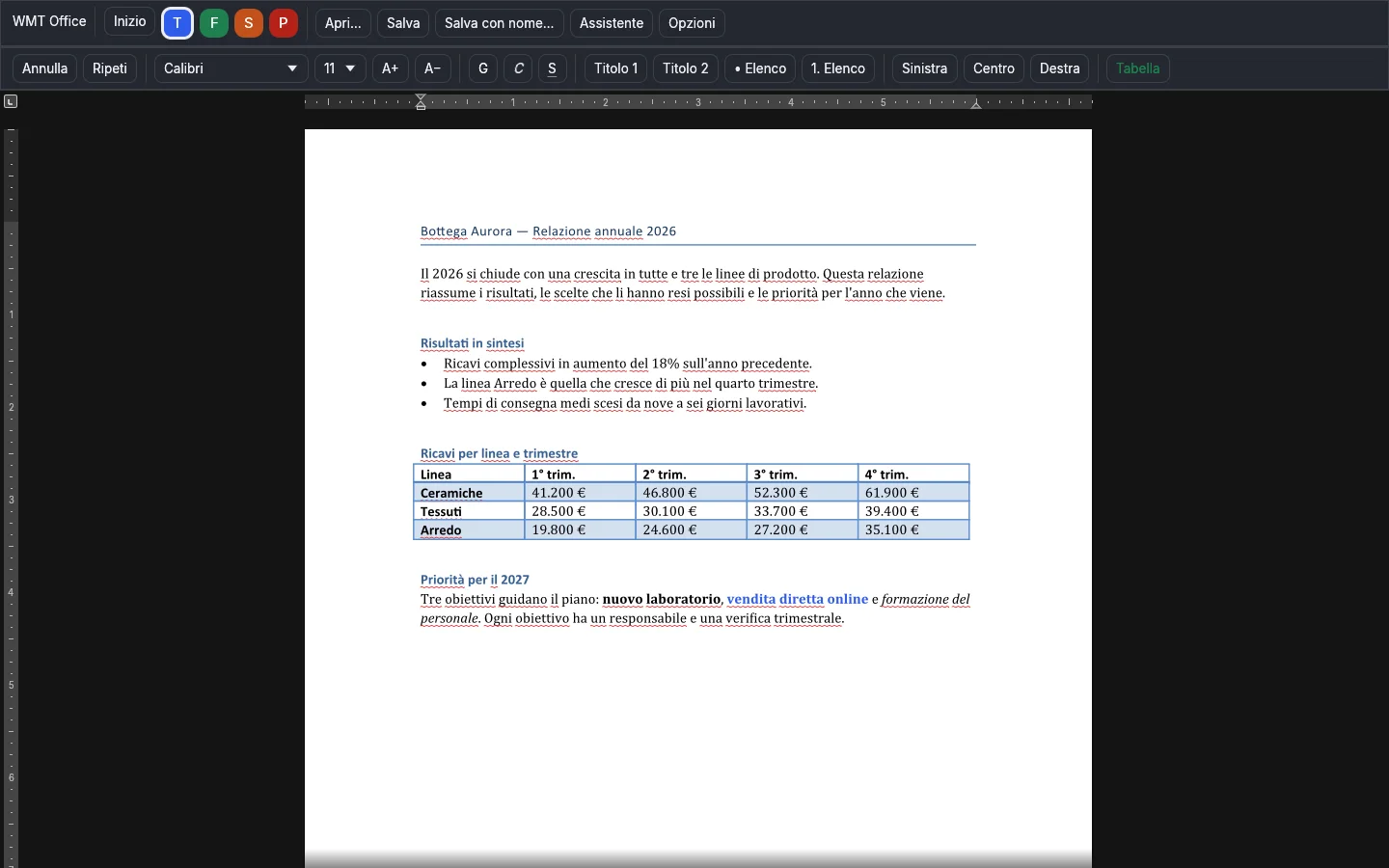
- Headings, lists, tables, alignment
- Font and size in the same bar as the other tabs
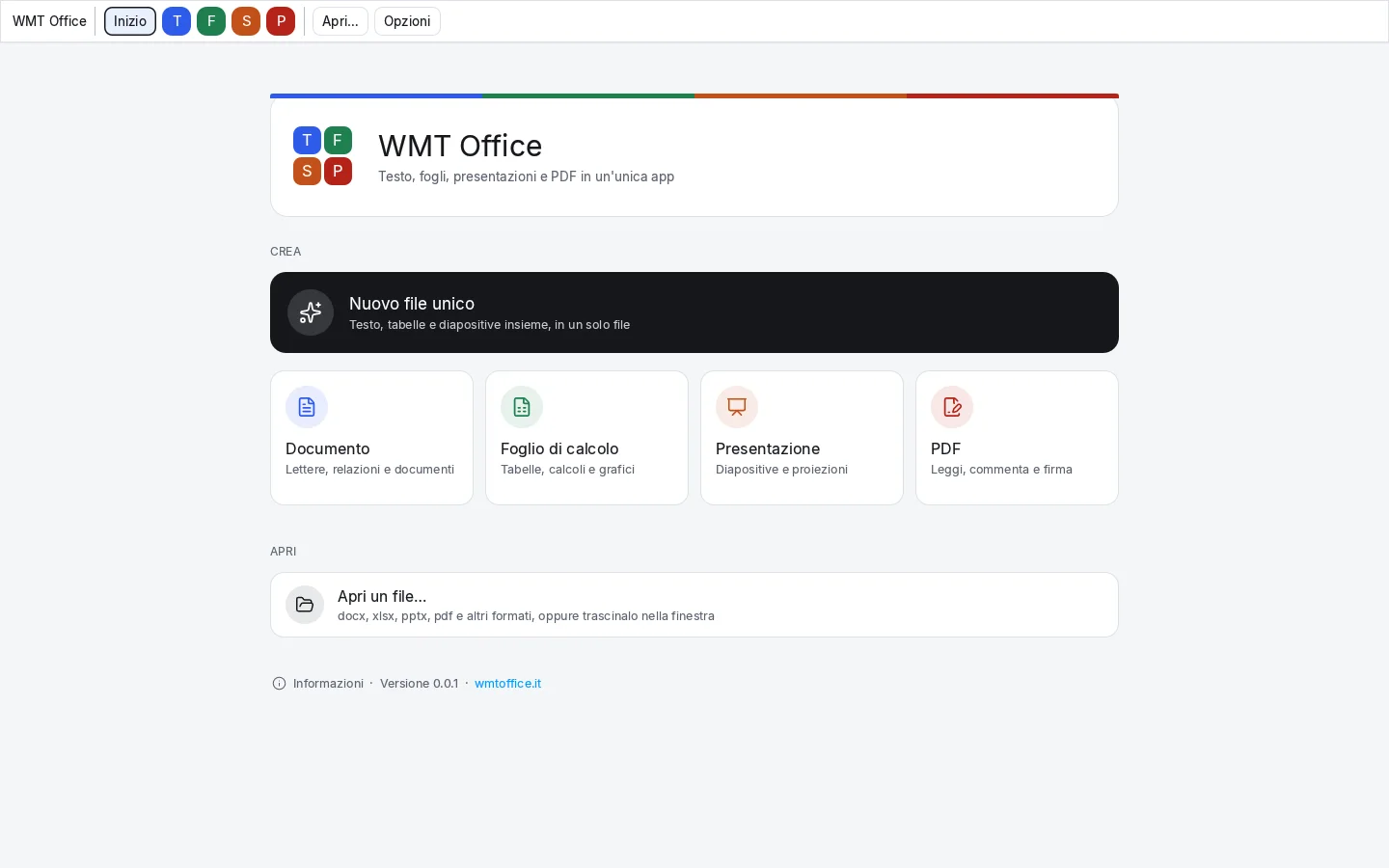
WMT Office is one suite instead of four programs: the same commands, the same look, and one click to move from a document to a sheet, a presentation or a PDF.
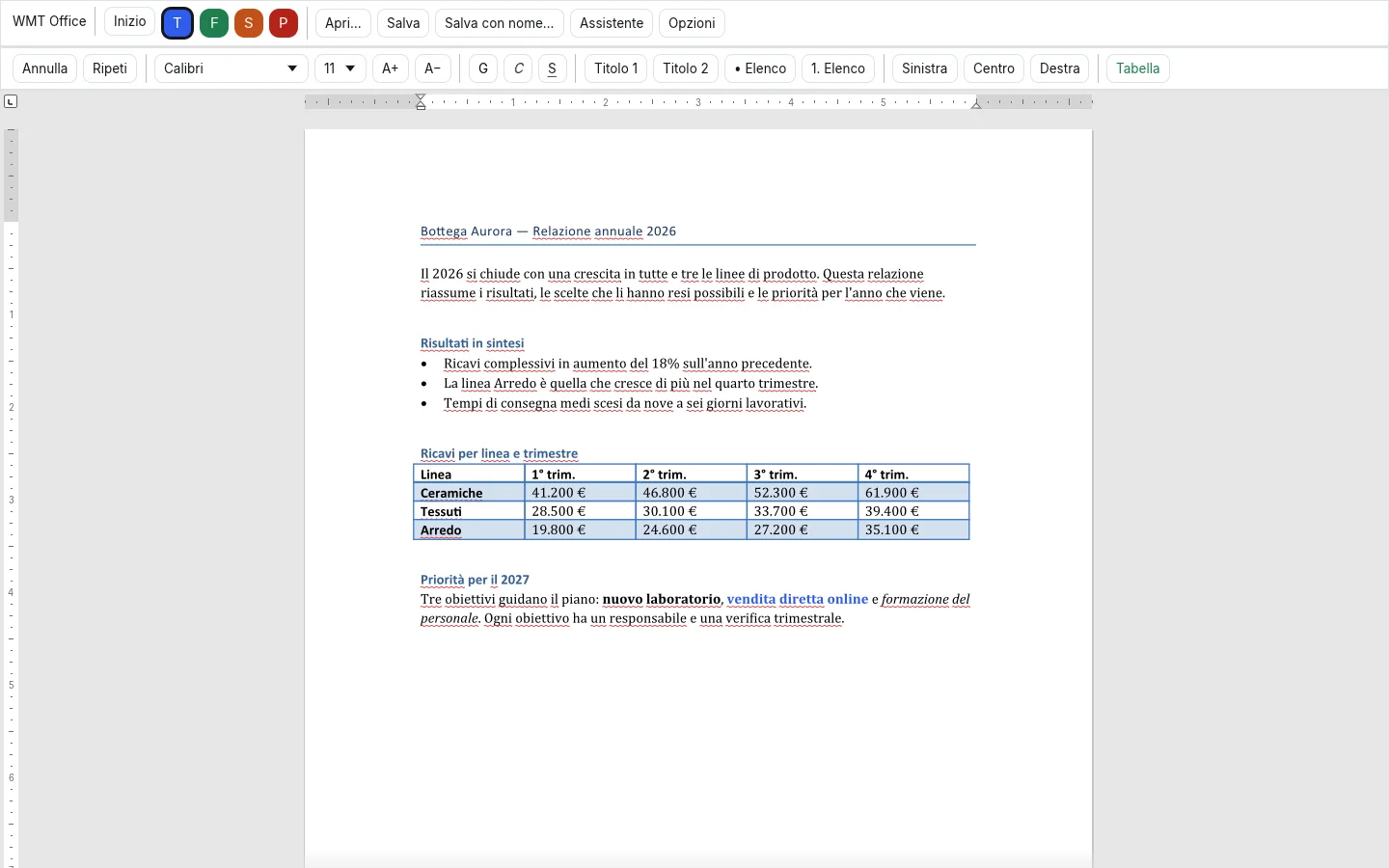
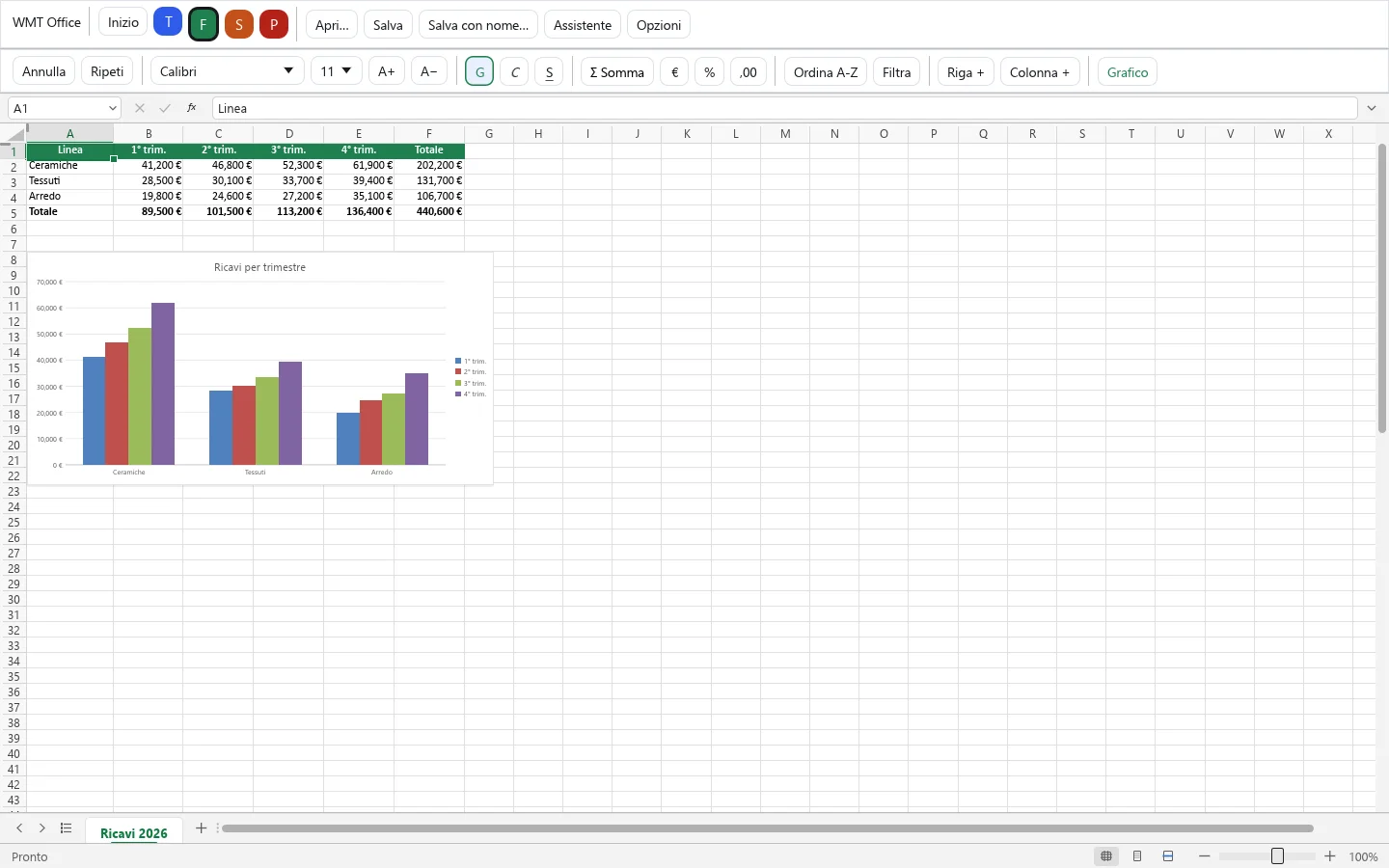
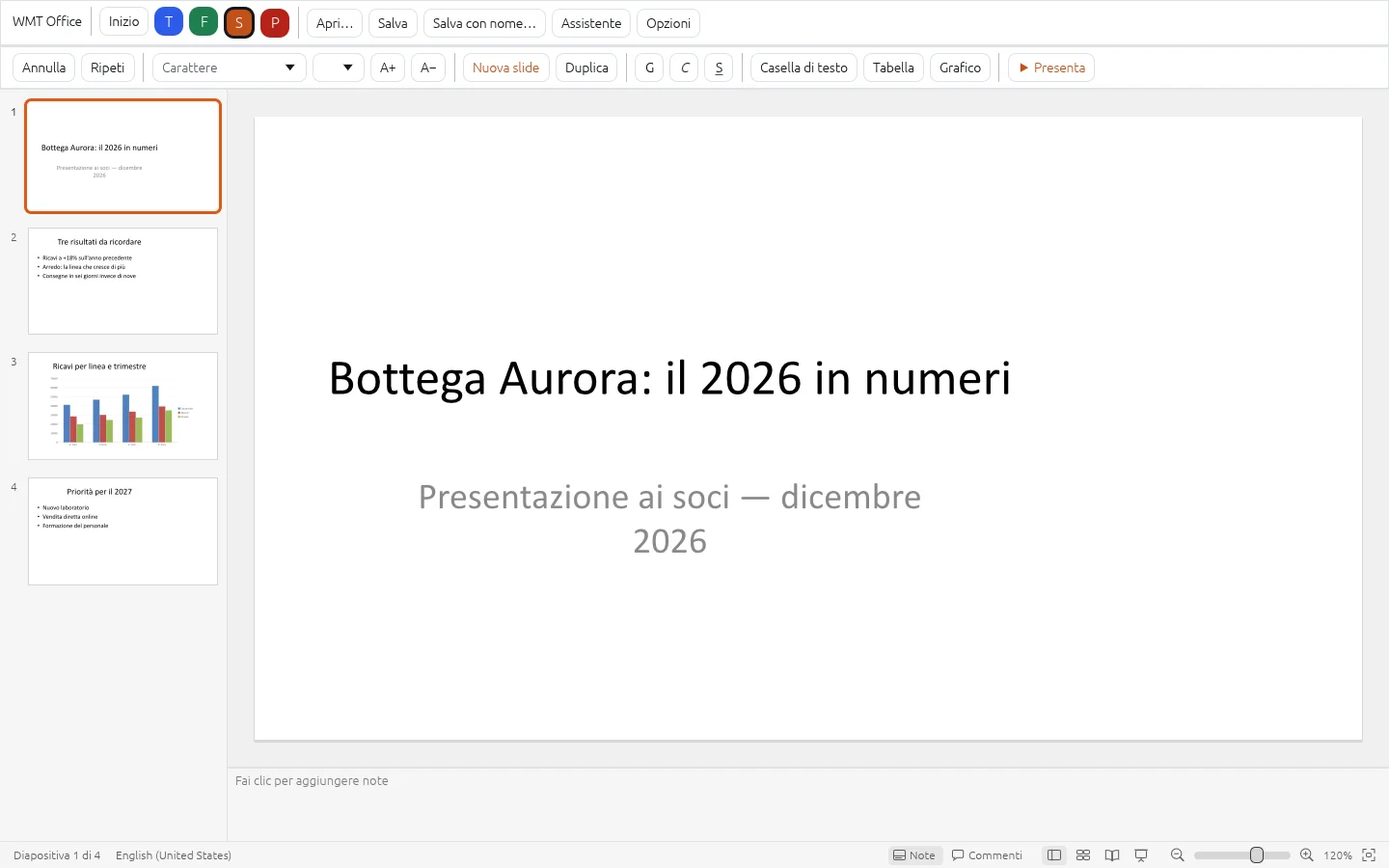
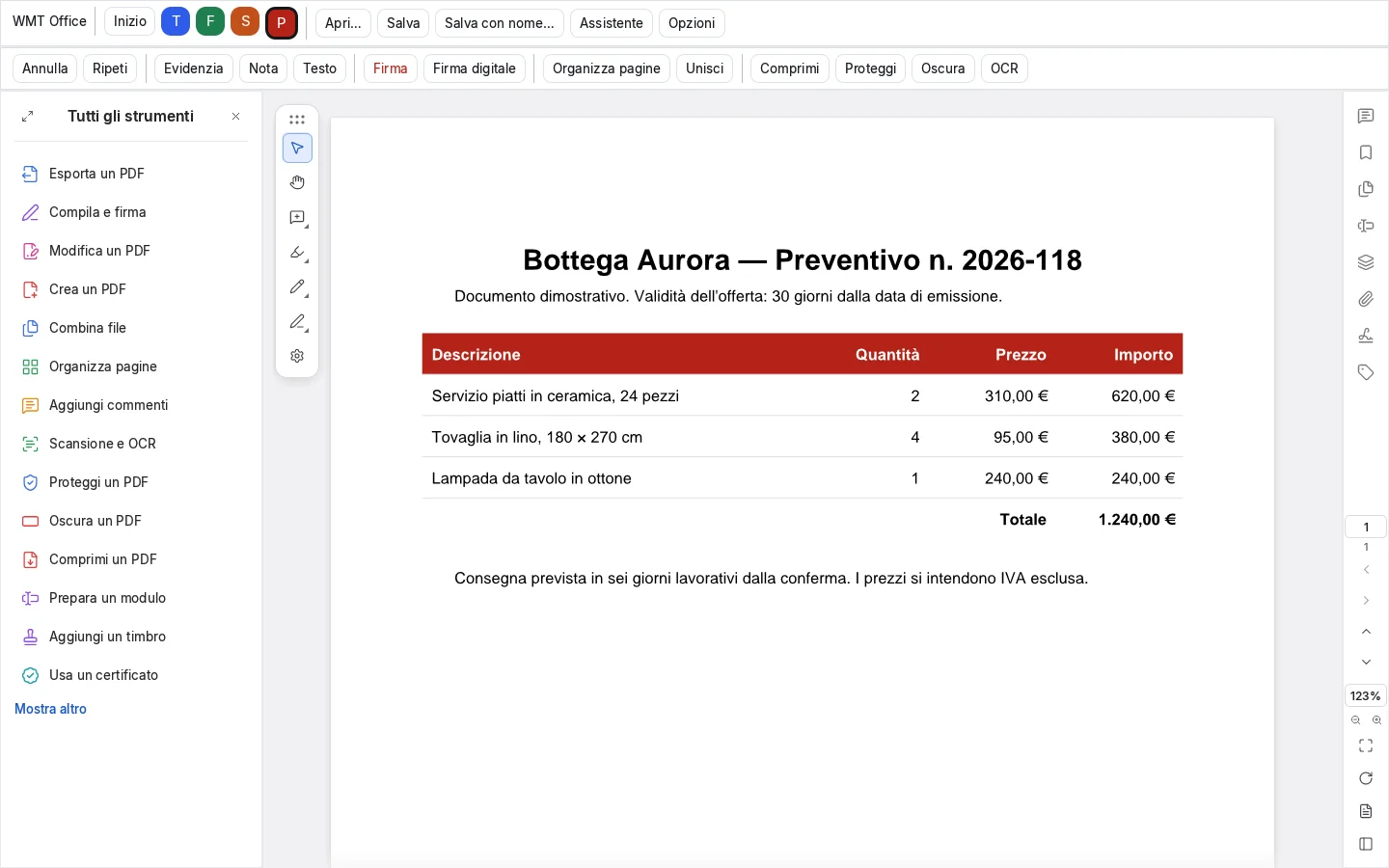
Real screenshots of the program, with demo documents.
The four initials are always at the top. Learn one tab and you already know the others.
Images and video taken from the program itself, not drawn separately.
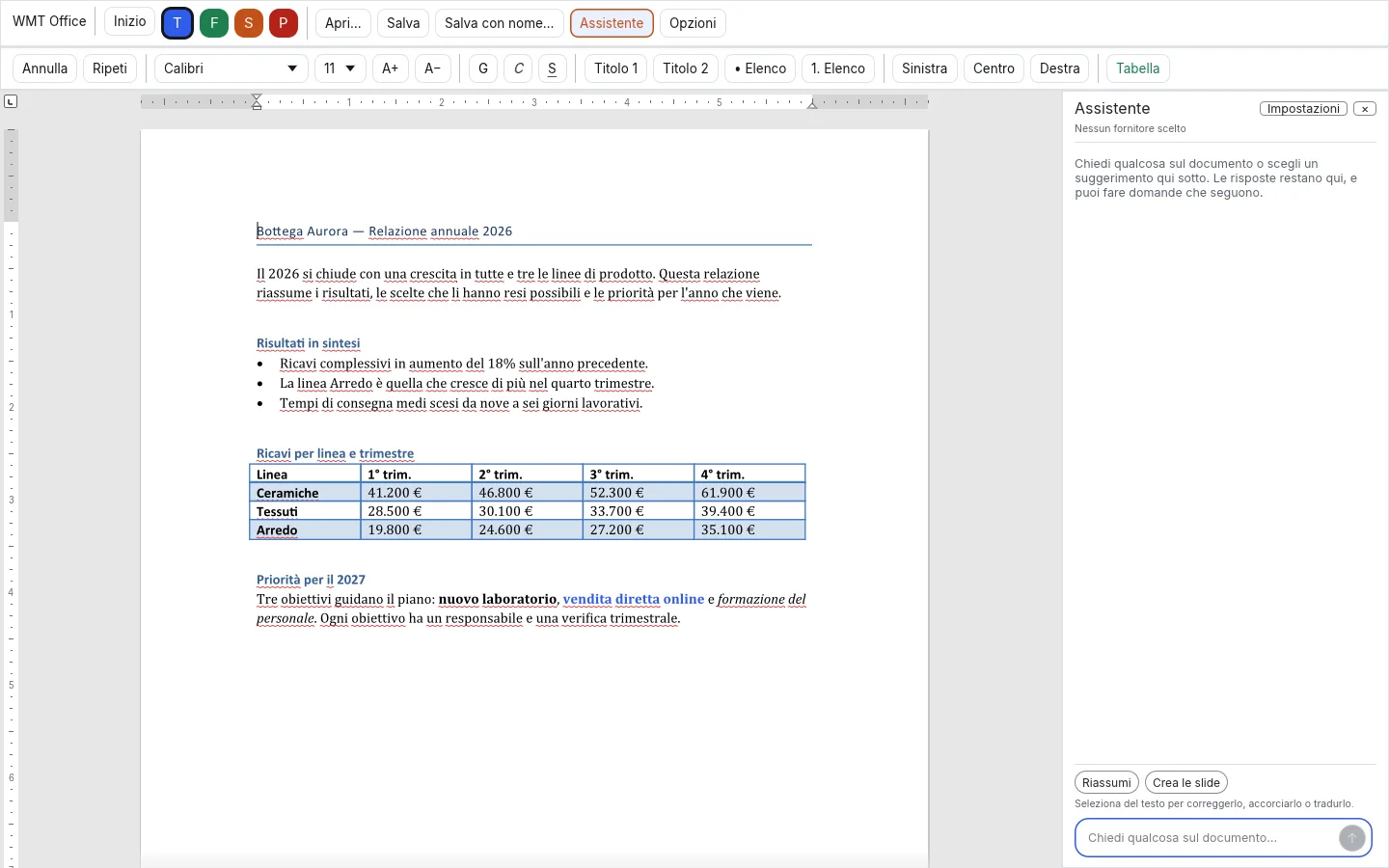
It summarises, corrects, translates, suggests a formula and builds slides from your text.
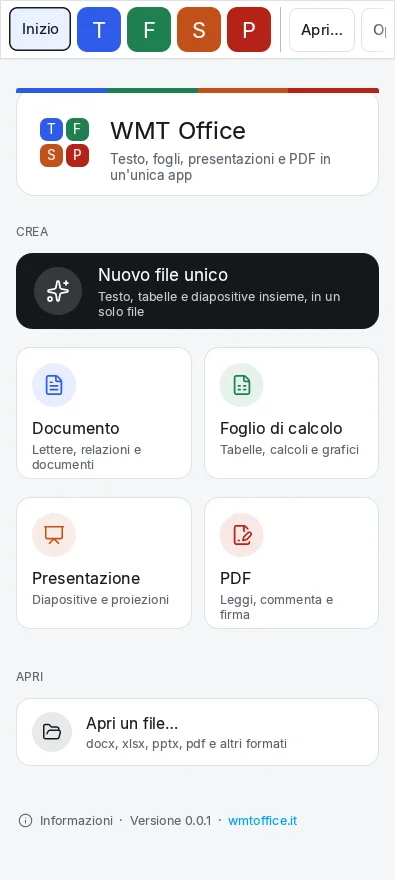
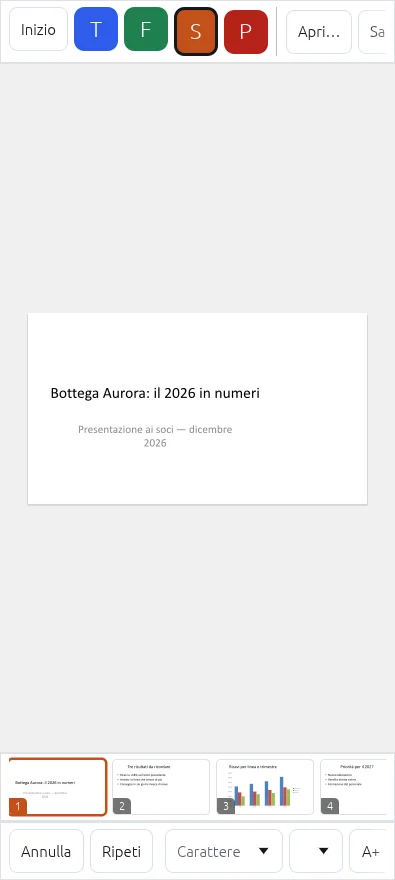
The same program on Windows and Android: on the phone, commands sit at the bottom, within reach of your thumb.
The whole suite in every plan: you pay for the number of seats using it.
Free30 days, one seat
—Price being finalised. Meanwhile you can start with the free trial.
—Price being finalised. Meanwhile you can start with the free trial.
Yes. WMT Office opens and saves Word, Excel and PowerPoint formats (docx, xlsx, pptx) and PDFs: nothing to convert.
No: the program works on local files. The assistant sends text to an external provider only if you choose to use one, and it asks first; with a local model on your computer nothing is sent.
Create an account, confirm your email and start the trial from your account area: you get a licence key and the downloads. No payment method needed.
By bank transfer, PayPal or Satispay. You create the order in your account area and receive instructions; once we record the payment, your licence is activated and the invoice follows.
Your account area lists the active seats: release one to activate the new machine.
In your account area, under Downloads: each version has its notes and its SHA-256 checksum to verify the file.
One window to write, calculate, present and work on PDFs.
Try it free for 30 days