WMT Office at work
Screenshots and videos of the program on computer and phone. The documents shown are demos.
Overview: four tabs in one windowFrom the start page to Text, Sheets, Slides and PDF without switching apps. 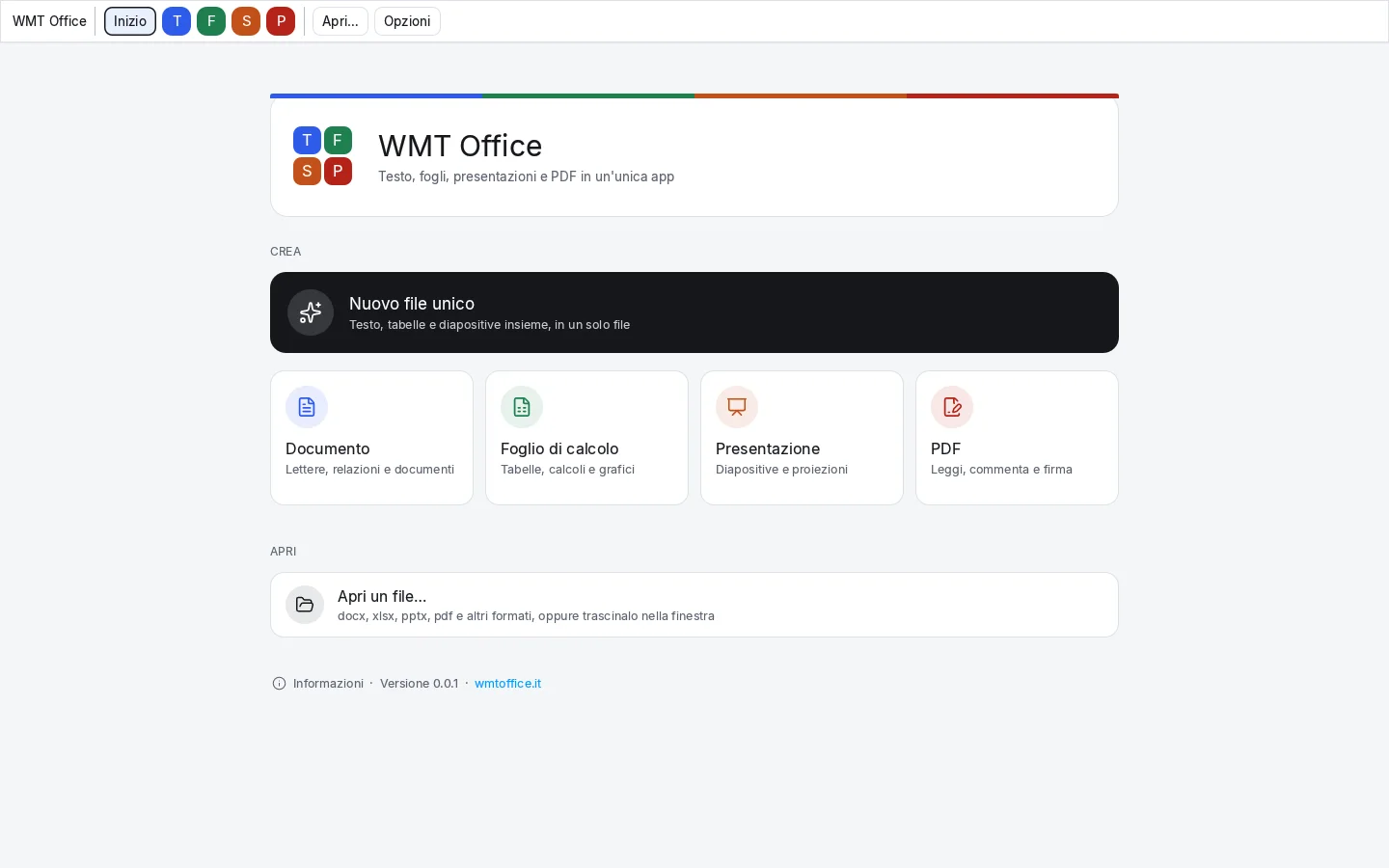
One start page, four kinds of documentCreate or open a text, a sheet, a presentation or a PDF from here. 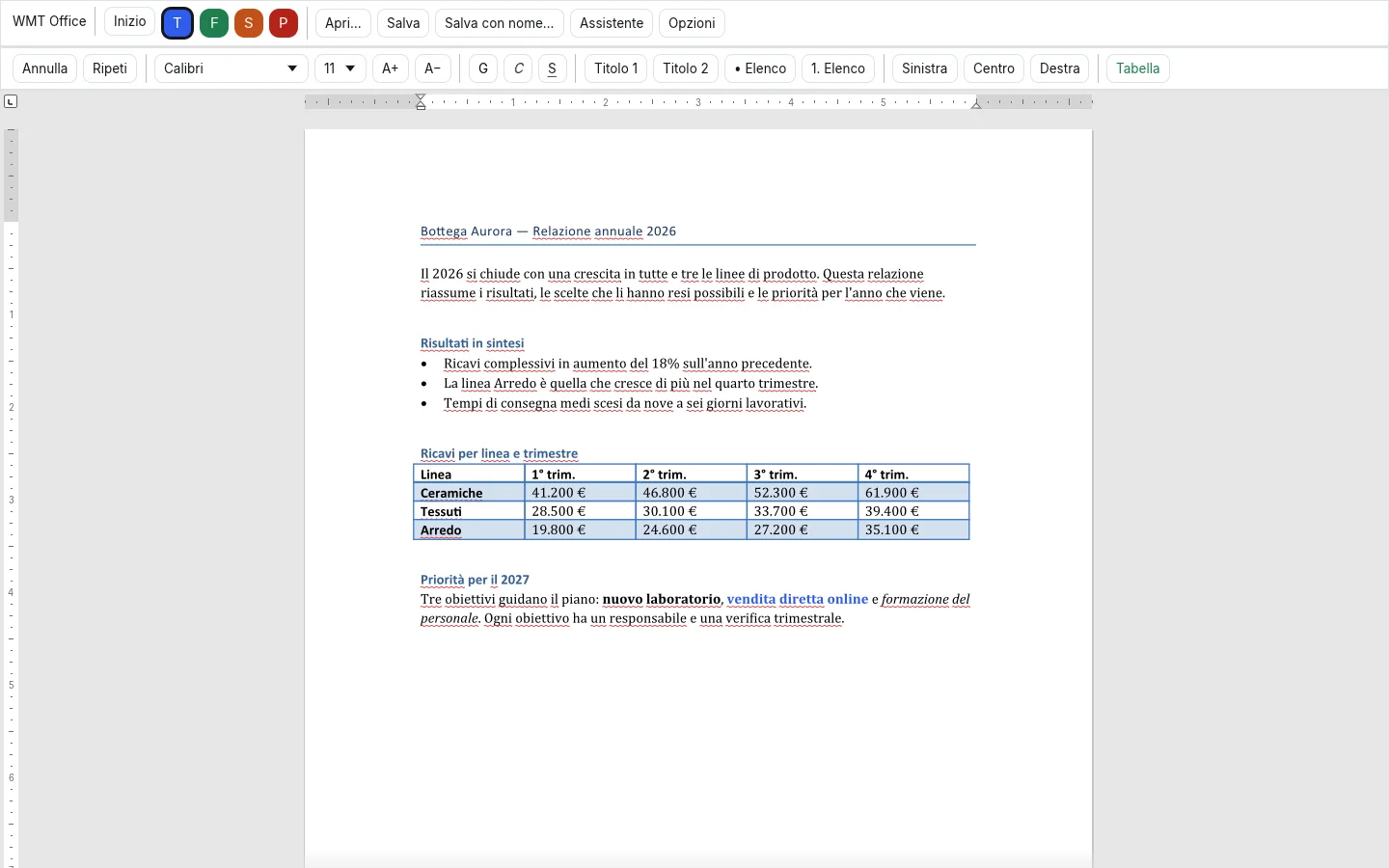
Text: a Word document, open and editableHeadings, lists, tables and formatting of a .docx file. 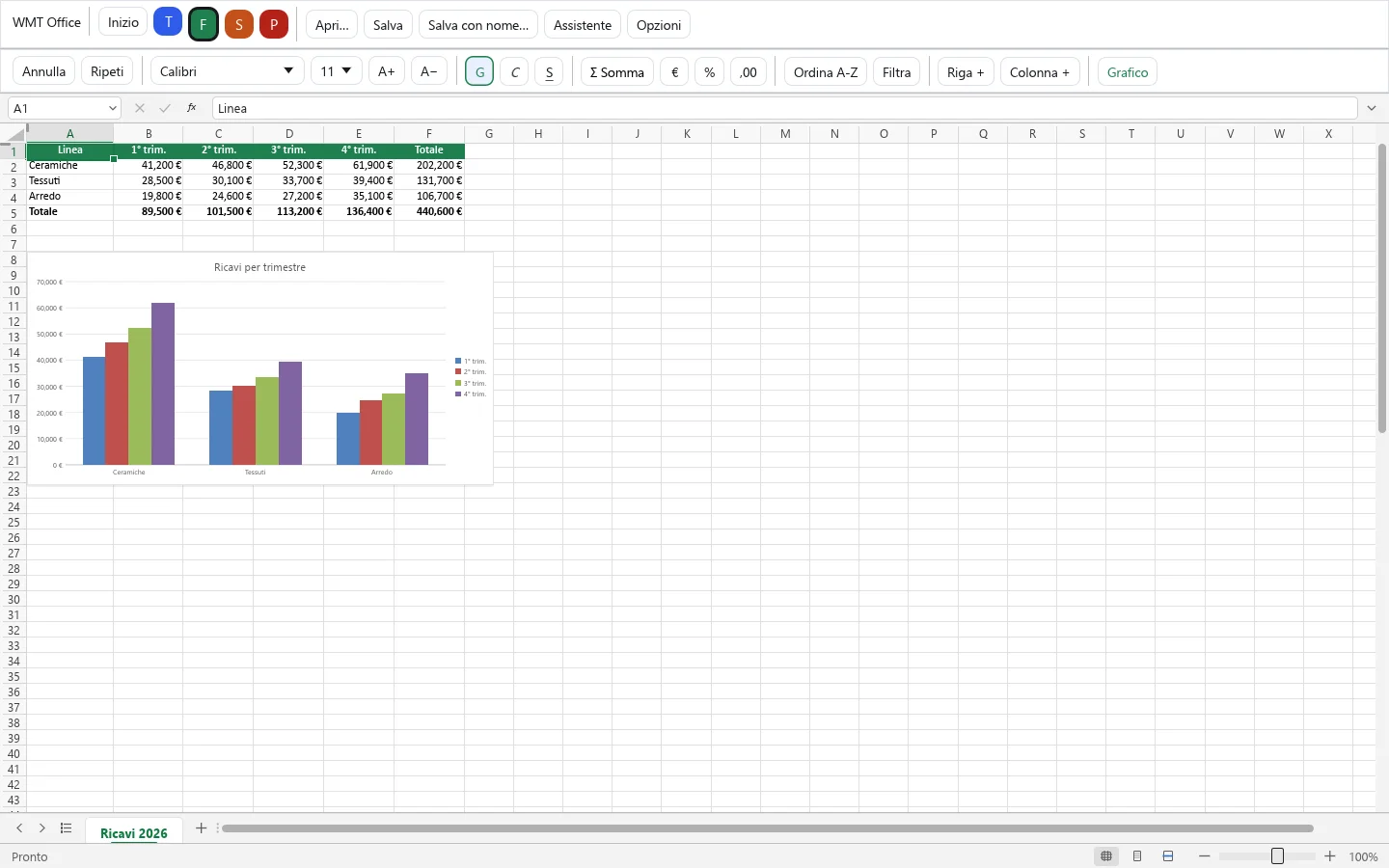
Sheets: formulas and charts of an Excel fileSums, euro formats and the chart of the .xlsx file. 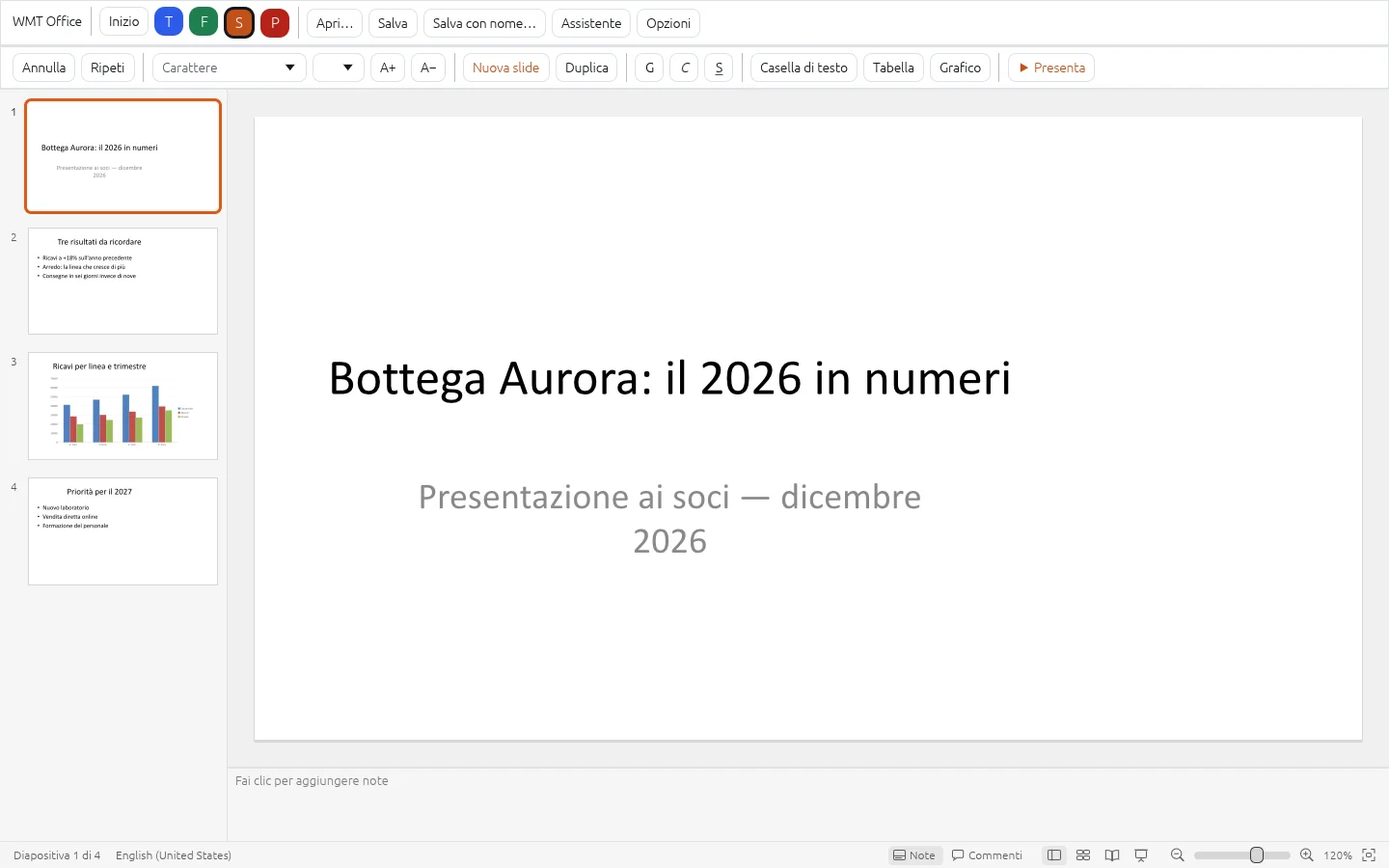
Slides: a PowerPoint presentationThumbnails on the left, the slide in the centre, notes below. 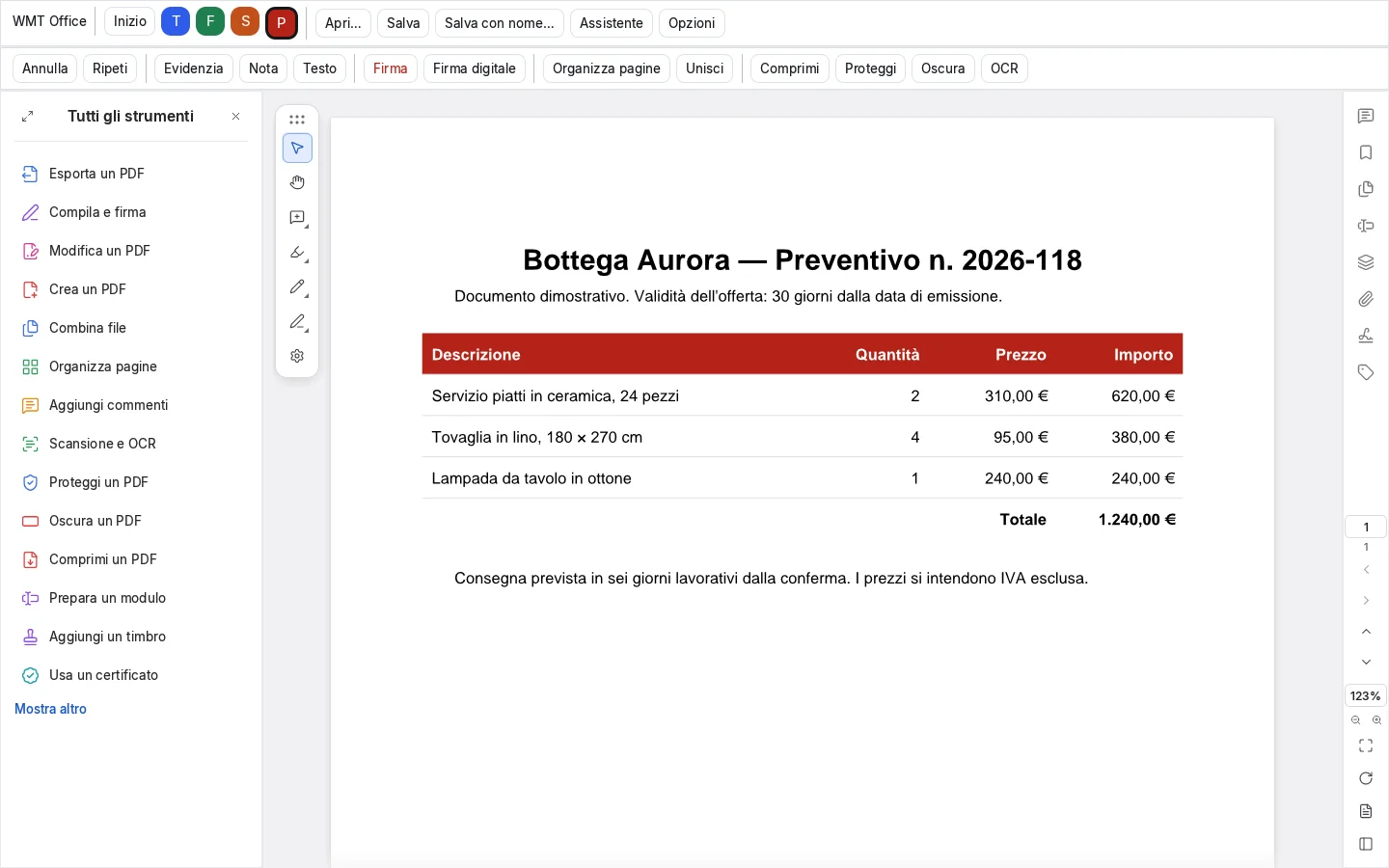
PDF: read, comment, organisePDF tools in the same window as your other documents. 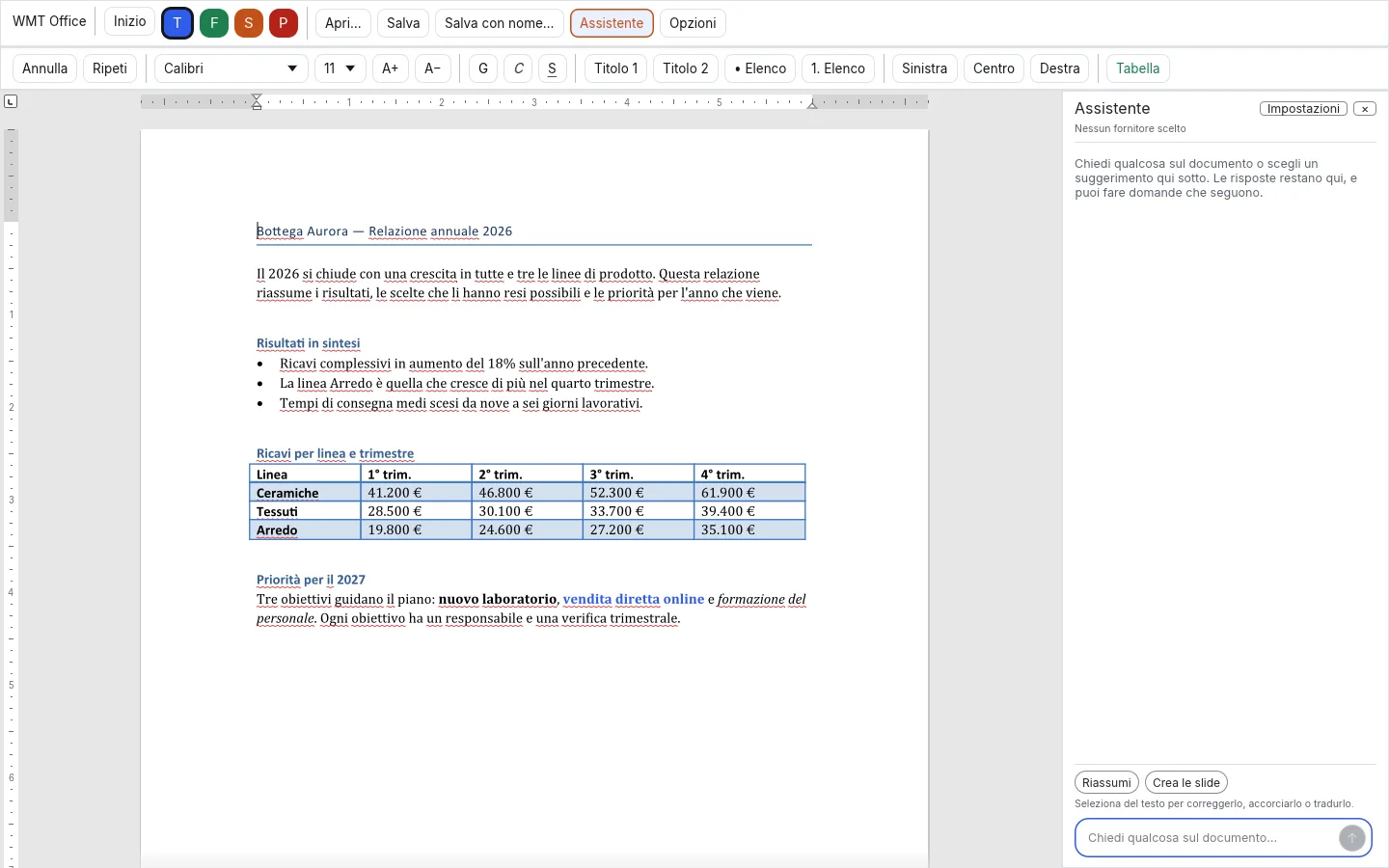
The assistant next to your documentIt summarises, corrects and builds slides from your text, with the model you choose. 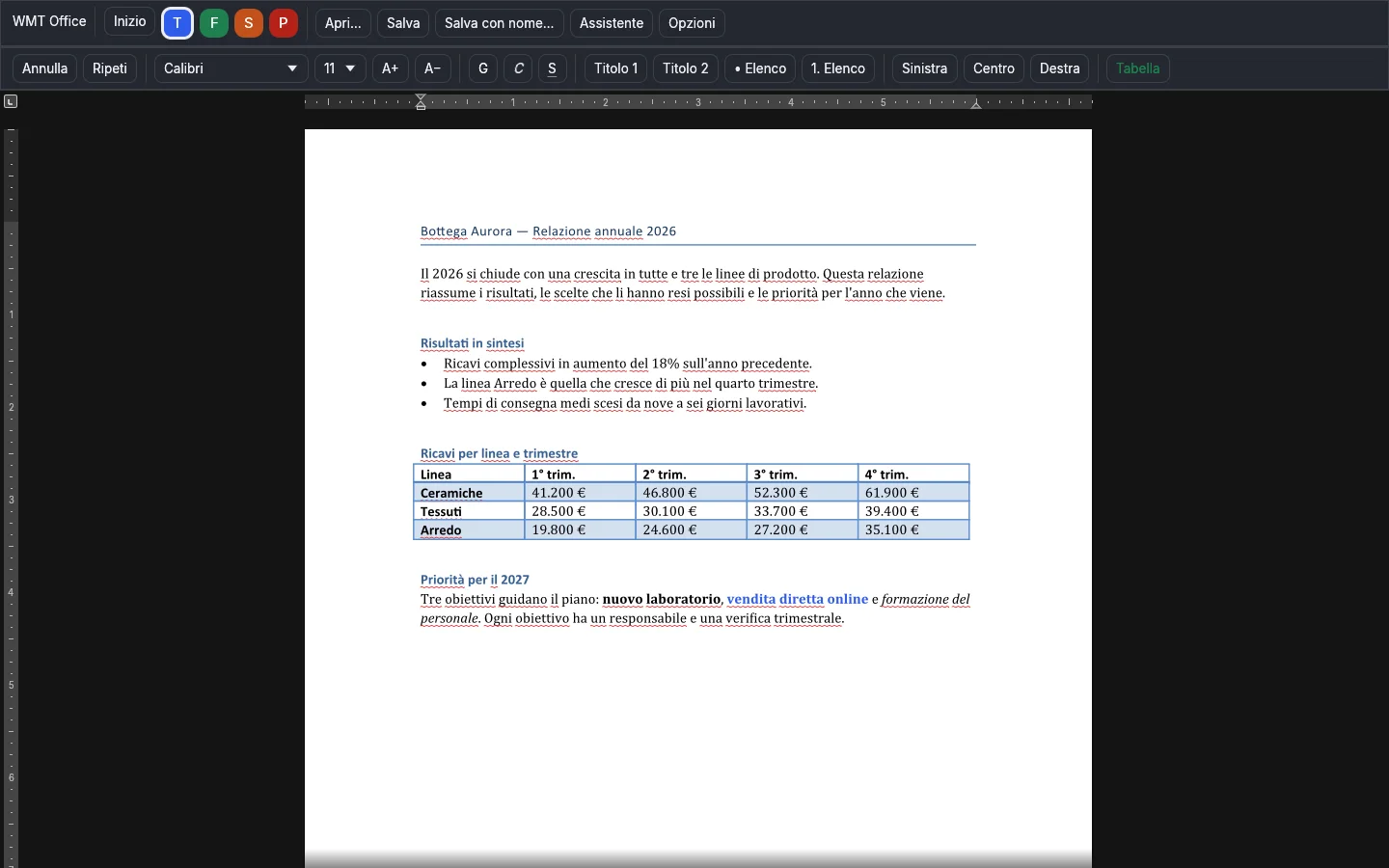
Dark themeLight, dark or follow the system: one choice for every tab. 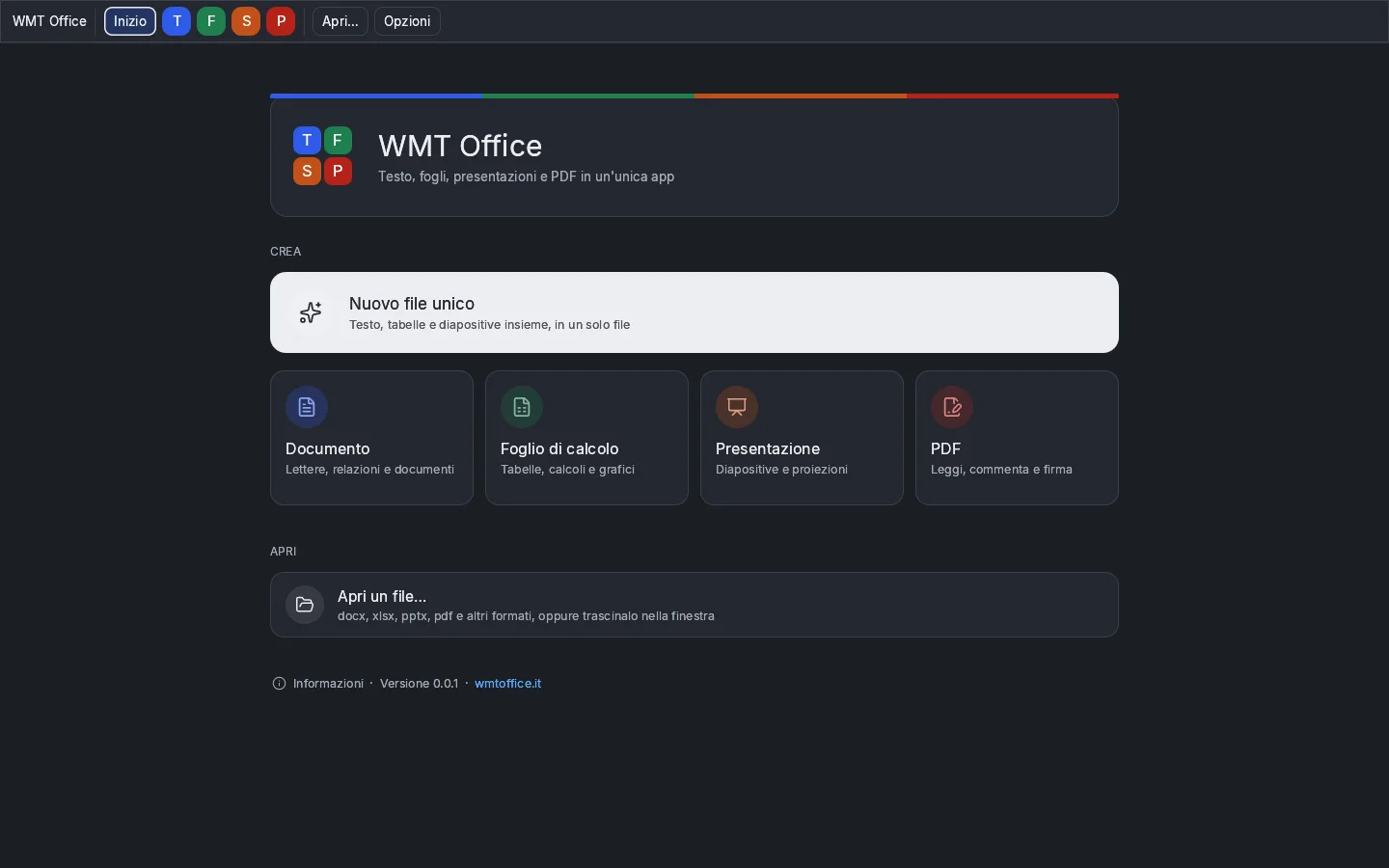
The start page in the dark theme 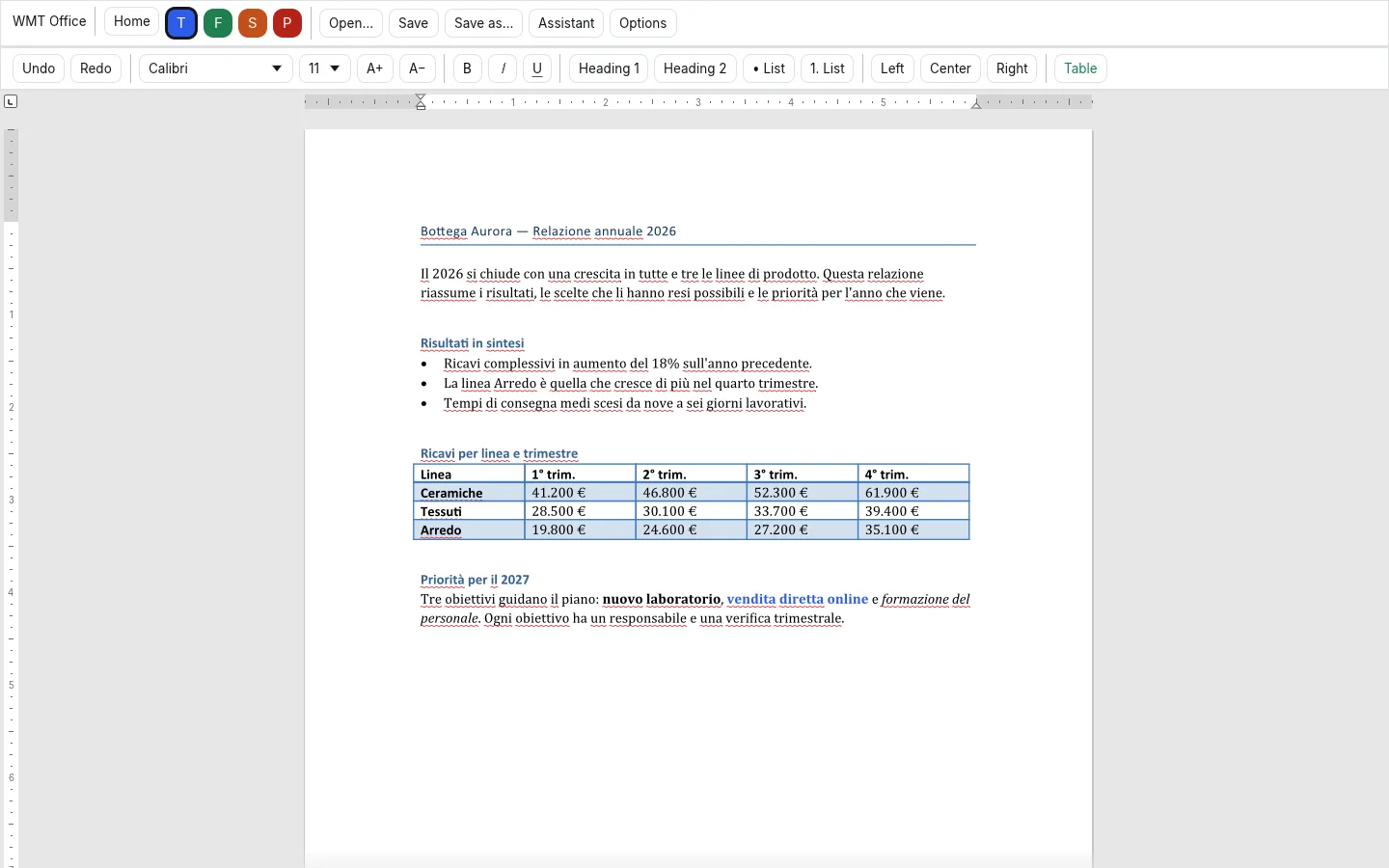
In Italian and in EnglishSwitch the interface language from the Options menu. 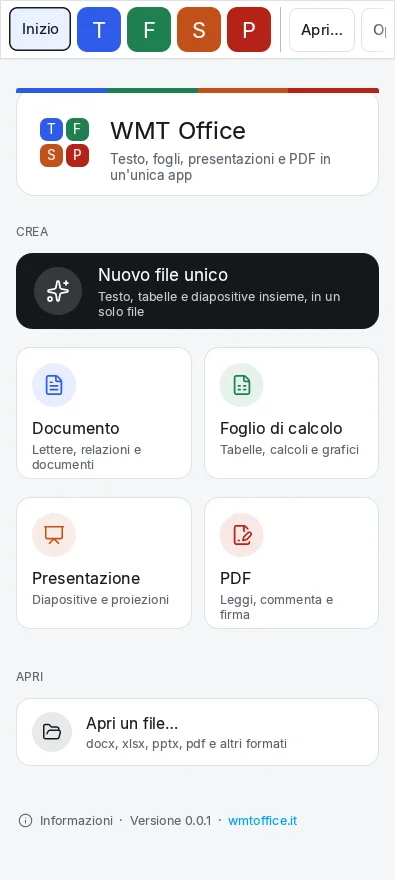
On an Android phoneThe same suite, with commands within reach of your thumb. 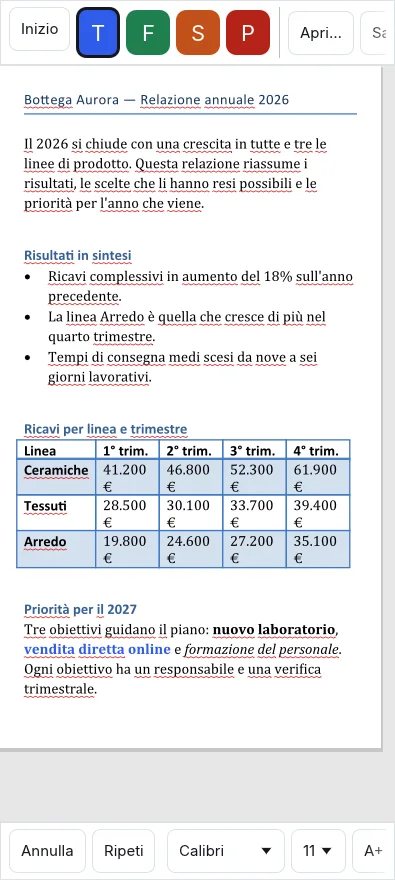
Text on the phone 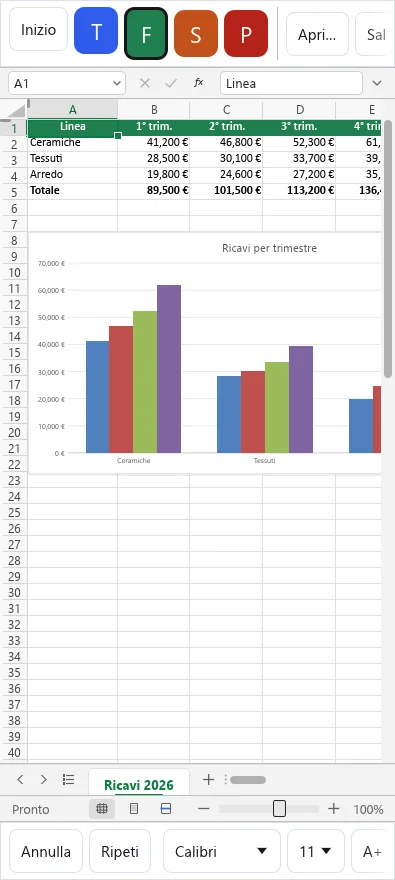
Sheets on the phone 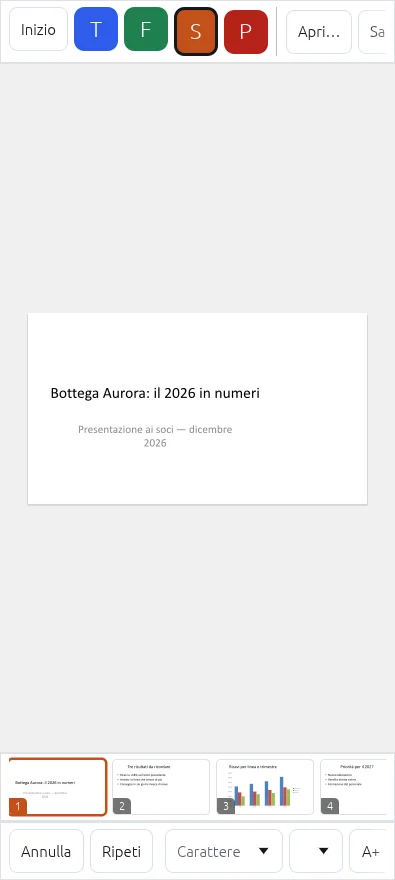
Slides on the phoneThe strip at the bottom shows your slides: one tap takes you there.